Ship Time vs. Local Time on a Cruise: Track All Aboard and Return Safely
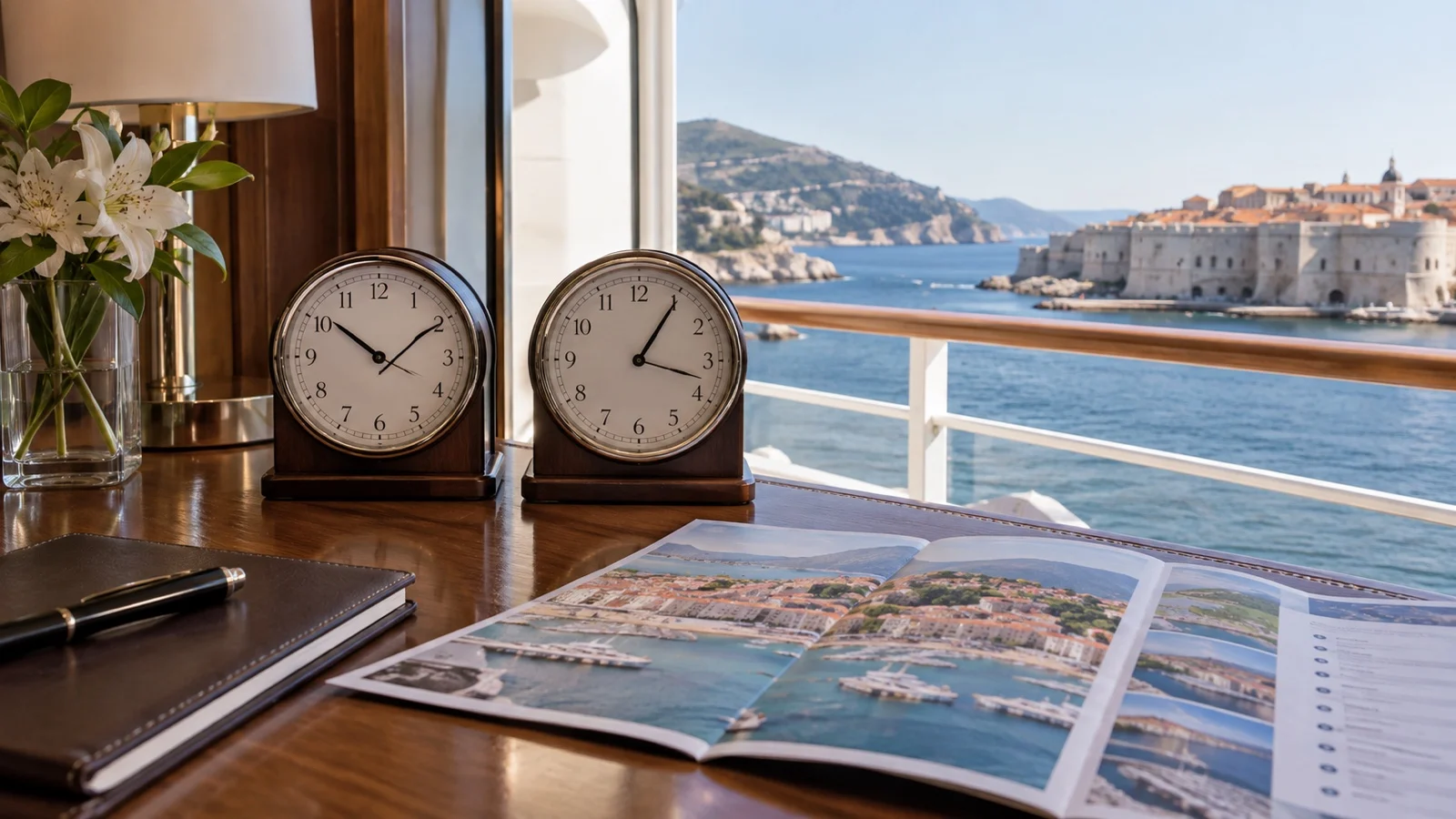
Your phone says 3:15, the ship says 2:15, and all aboard is 4:00. That tiny mismatch can erase an hour of return buffer if you follow the wrong clock.
My quick take
Follow the time standard your ship tells guests to use for that port. Before leaving, photograph the all-aboard sign and any ship-time notice, then put every tour, train, ferry, and restaurant time onto one labeled clock.
Do not assume ship time means local time, embarkation-port time, or whatever your phone displays. A cheap watch set to ship time is wonderfully boring backup.
The quick facts
- The ship’s instruction wins: Use the time standard announced onboard for that port.
- Ship and local time can differ: Norwegian Cruise Line explicitly warns guests that this may happen.
- All-aboard rules vary: Do not borrow another line’s cutoff or assume departure time is the deadline.
- Phones may switch time zones: Automatic settings can change the displayed time after you connect ashore.
- Convert every shore-side time: Label tours and transportation as local or ship time before building the day.
Ship time and local time are different ideas
Ship time is the onboard clock used for the ship’s schedule and instructions at that point in the voyage. Local time is the civil clock used in the destination.
They often match, but “often” is not safe enough for an independent port day. The ship may change clocks during the voyage, retain a different time temporarily, or issue a sailing-specific instruction.
Businesses, public transportation, and attractions ashore generally publish local time, while cruise-focused tour operators may quote either local or ship time. Ask directly whenever a confirmation does not say.
Which clock controls all aboard?
The ship controls its all-aboard instruction, including the time standard guests must follow. The posted departure time is not a substitute for the all-aboard deadline.
Norwegian Cruise Line’s current guidance says guests in ports of call must be onboard no later than one hour before scheduled departure. It also warns that shipboard time may differ from port time and makes following shipboard time the guest’s responsibility.
Royal Caribbean currently says its all-aboard time is generally scheduled about 30 minutes before sailing. The same guidance tells guests to verify it onboard and says it will be posted near the gangway.
Those are different published practices from two cruise lines, and neither should be treated as a fleetwide rule for everyone else. Use the exact instruction on your ship for your call.
Photograph these five things before leaving
- All-aboard time: Capture the deadline posted for that call.
- Time standard: Capture any notice stating whether guests should use ship or local time.
- Ship or port-agent contact: Save the emergency information provided onboard.
- Berth or tender point: Record the terminal, pier, gate, or landing name.
- Daily program: Save the page in case the cruise app or internet connection fails ashore.
If the sign does not state the clock standard, ask a crew member before walking away. Make sure everyone in your group hears the same answer.
Make one master timeline
Choose ship time or local time as the working clock for the day and convert every deadline into it. Label the choice at the top of your notes so “3:30” never floats around without a time zone.
- Ship deadline: All aboard and, at a tender port, the last tender instruction.
- Shore bookings: Tour start, tour finish, attraction entry, and restaurant reservation.
- Transportation: Outbound and return train, ferry, bus, or pickup.
- Your buffer: The time you plan to be back at the pier, not merely the official deadline.
My guide to reading a cruise itinerary explains why arrival, departure, and usable time ashore are not the same thing. Start with the real operational window, then add the clock conversion.
A worked example
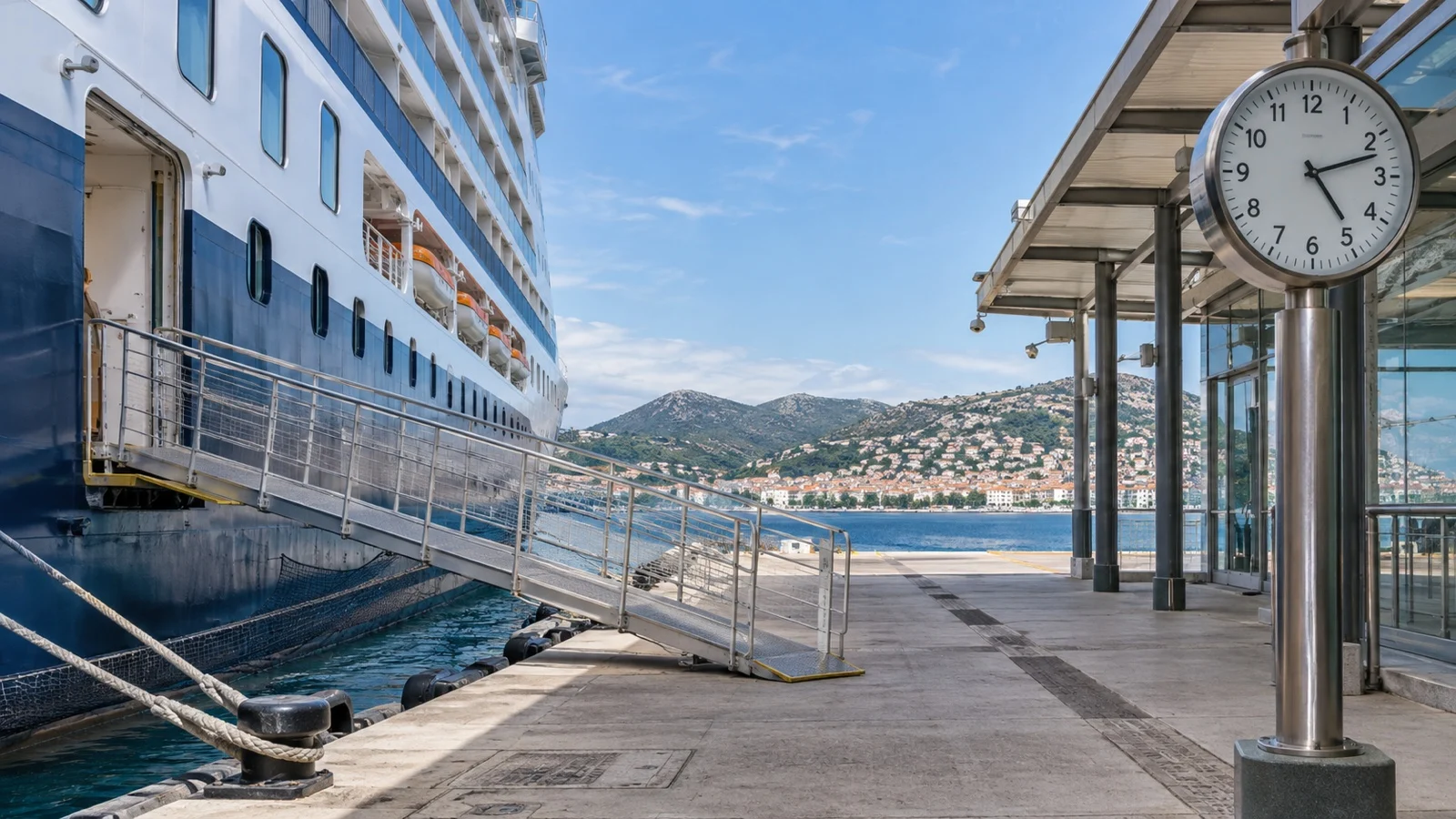
Suppose all aboard is 4:30 p.m. ship time and local time is one hour ahead. The same deadline is 5:30 p.m. local time.
A local tour ending at 4:45 p.m. finishes at 3:45 p.m. ship time, leaving 45 minutes until all aboard before travel back is considered. If the ride to the pier can take 30 minutes, that plan is much tighter than the raw tour confirmation looks.
Write the conversion both ways and include the date if the sailing crosses midnight or the International Date Line. If the arithmetic feels slippery, ask the operator to confirm the equivalent deadline in writing.
Why your phone can be confusing
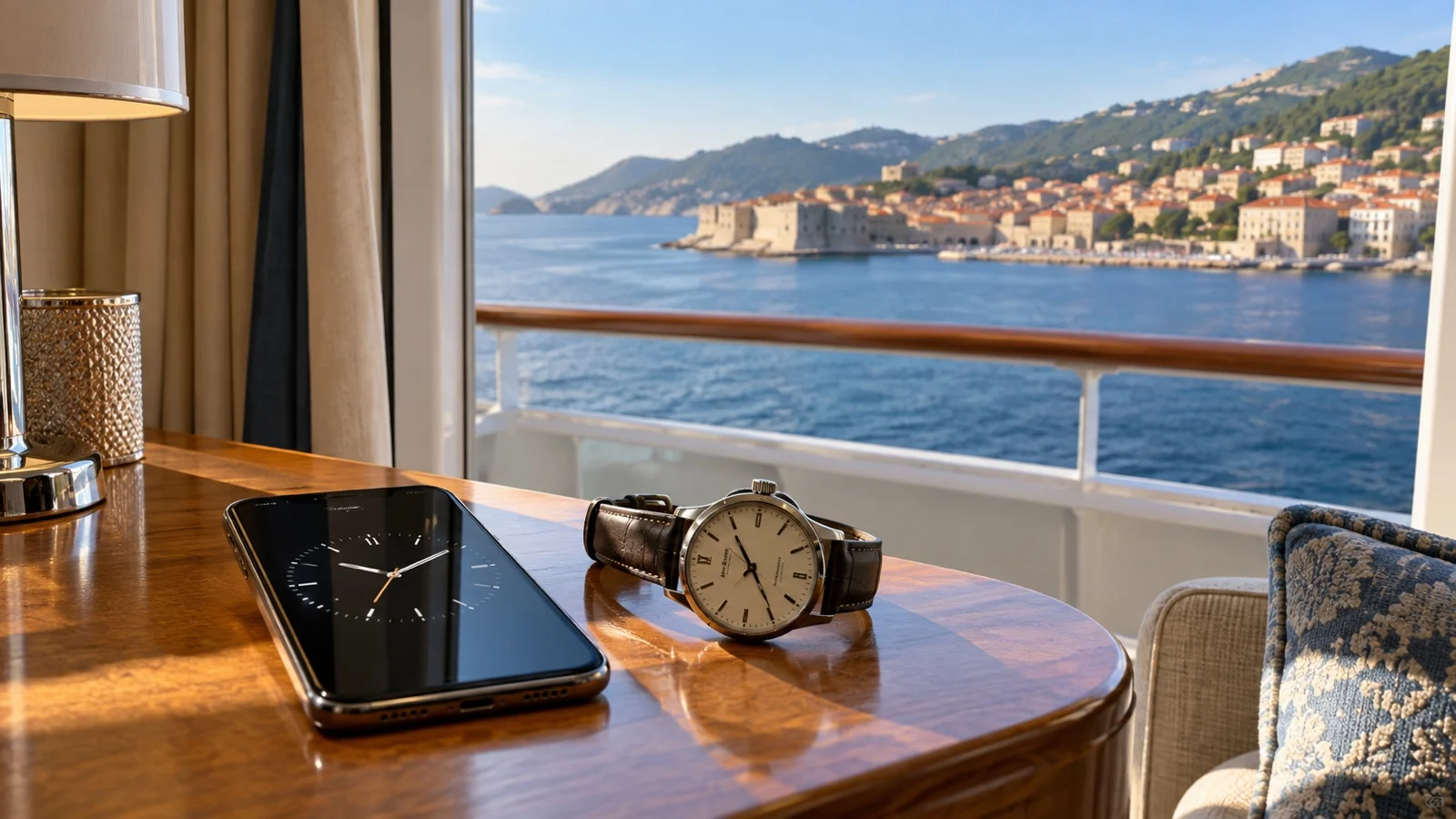
A phone can display correct local time and still be the wrong reference for the ship’s instruction. Automatic time-zone settings may respond to cellular service or location after you go ashore.
That is not a phone malfunction. It is the device doing exactly what a traveler usually wants, just when a cruise passenger may want two clocks instead of one.
iPhone settings to understand
Apple’s current iPhone guide says the time zone is set automatically when the needed service and Location Services are available. It also explains that you can go to Settings, General, Date & Time, turn off Set Automatically, and select a time zone manually.
Do not change the setting until you know which clock the ship wants you to use. Manual time can also confuse calendars, messages, and anyone who assumes the phone is showing local time, so a clearly labeled World Clock or simple watch may be easier.
Android settings to understand
Google’s current Android help says supported devices can update the time zone automatically and may use location to determine it. The page also explains how to turn automatic time zone off and select one manually.
Menu names and features can differ by device manufacturer. Check the setting before the first port rather than learning about it while a taxi is moving.
The cleanest phone setup
- Keep the phone on local time: This makes shore schedules and messages easy to read.
- Add ship time separately: Use a labeled World Clock, second device, or basic watch.
- Label every reminder: “Leave museum, LOCAL TIME” is far better than a mystery alarm.
- Take screenshots: Do not depend on the cruise app loading ashore.
- Check after connecting: Confirm whether the displayed time changed when cellular service appeared.
You can reverse the setup and keep the phone on ship time if that is clearer for you. The winning system is the one everyone understands and checks, not the one with the fanciest widgets.
Independent tours must name their clock
An operator based ashore will often use local time, but cruise-focused providers may adapt schedules around a ship. Never infer the time standard from the company’s marketing page.
Ask, “Are every start, finish, and pickup time in this confirmation local time or ship time?” Get the answer in writing and include the ship name, call date, and published all-aboard instruction.
Then convert the operator’s finish time and the ship deadline into the same clock before paying. My guide to ship excursions, local tours, and DIY port days covers the broader risk tradeoffs.
Trains, ferries, museums, and restaurants use shore time
Public schedules and local reservations are normally published in local civil time unless they explicitly say otherwise. Put their departure or closing time beside the converted ship deadline before deciding how long you have.
Remember that a train’s departure time is not the moment to leave the attraction. Add the walk, platform search, possible delay, ride, terminal route, and your personal return buffer.
The guide to how early to return to the ship helps size that buffer. Correct clock math cannot rescue an itinerary with no room for traffic or a missed connection.
Tender ports add another deadline
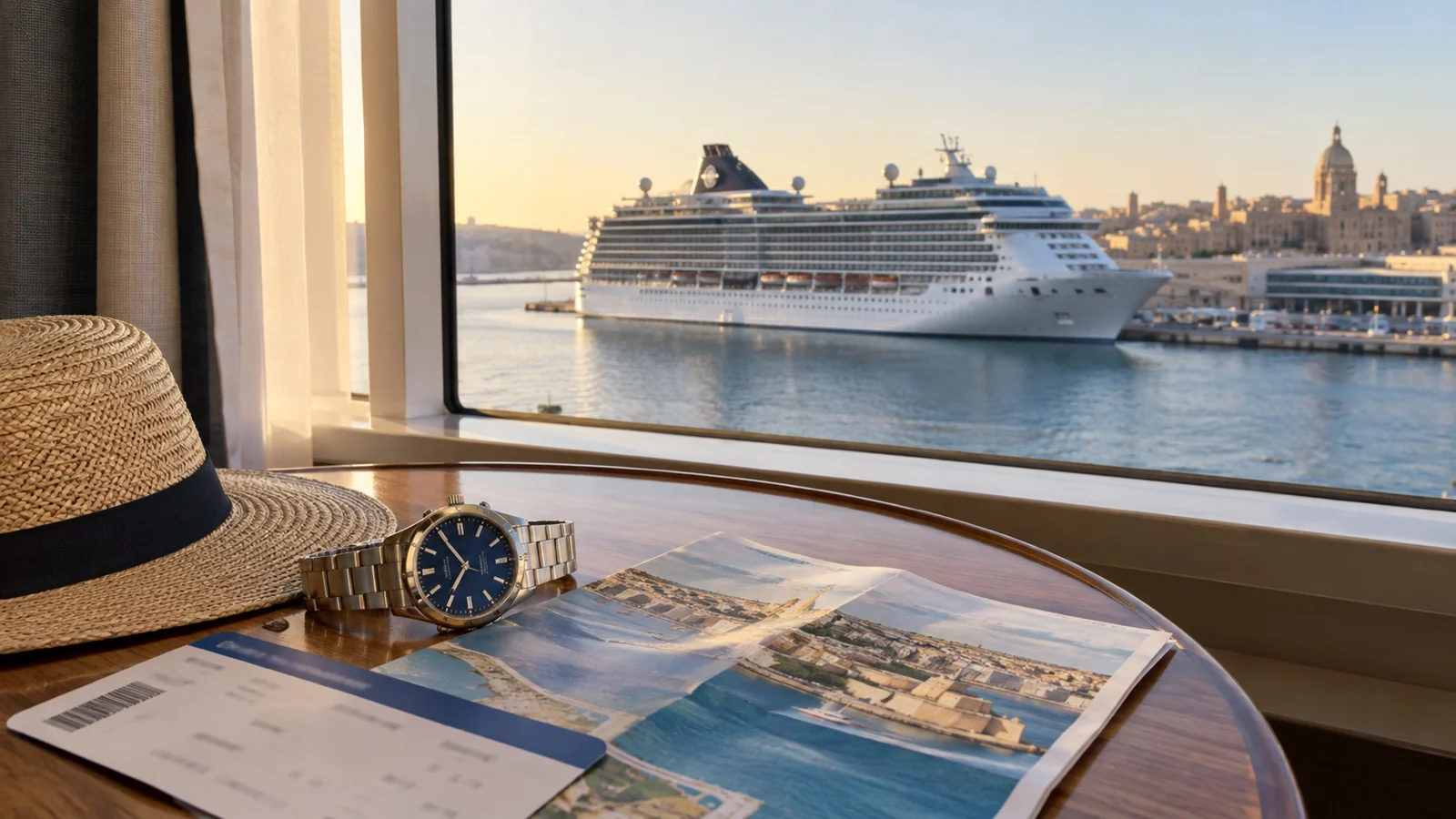
A tender port may publish a last tender from shore that is earlier than all aboard. Photograph that instruction separately and confirm whether it is stated in ship time or local time.
The tender line, boat ride, and weather can shrink your usable time ashore. My guide to how tendering changes a port day explains why the final transfer should never be Plan A.
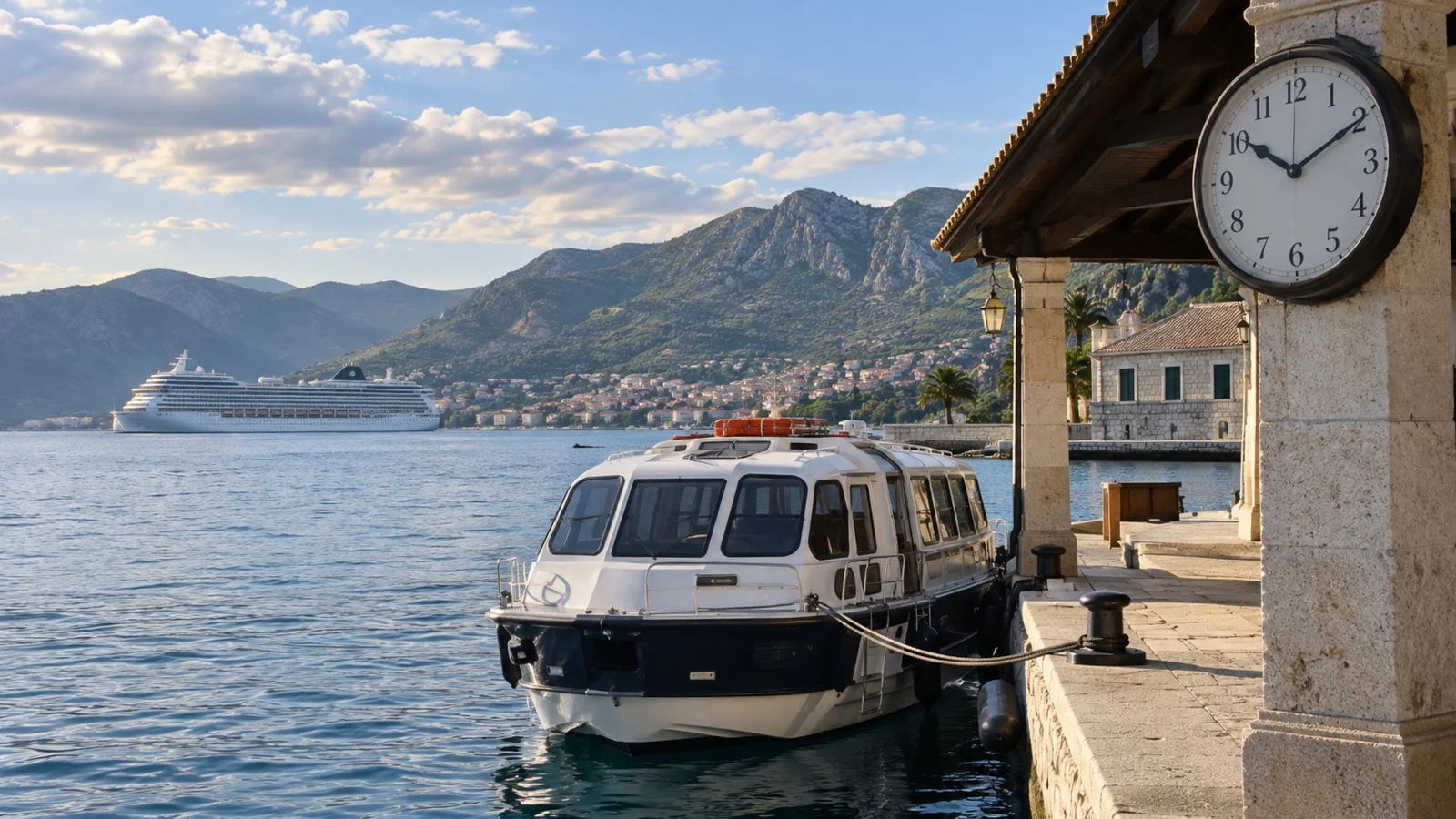
Daylight saving time and overnight clock changes
Nearby destinations may change clocks on different dates or may not observe daylight saving time at all. Geographic closeness is not proof that two ports share the same time.
Ships may announce a clock change overnight, sometimes with a card, app notice, daily program entry, or announcement. Read the next day’s material before setting a morning alarm.
On an overnight port call, confirm whether ship time or gangway access changes before the second day. Yesterday’s photograph may no longer describe today’s deadline.
Keep the whole group on one clock
Send the gangway photo to everyone and state the time standard in plain words. “Meet at 2:30 p.m. ship time” is safer than “meet at 2:30.”
Set one leave-now time and one must-be-at-the-pier time. Children, friends, and separate taxis make fuzzy deadlines even fuzzier.
If your clocks disagree ashore
- Stop moving farther away. Resolve the time before adding more distance.
- Use the ship’s written instruction. Check the gangway photo, daily program screenshot, or official app notice.
- Confirm the offset. Work out exactly how many hours and minutes separate ship and local time.
- Call when necessary. Use the ship or port-agent information provided onboard.
- Return early if doubt remains. Losing sightseeing time is cheaper than testing the deadline.
Do not average two clocks or trust the one that gives you more time. Cheerful optimism is not a time zone.
What happens if you miss the ship?
Consequences depend on the cruise line, itinerary, documents, next port, and how the outing was booked. Norwegian’s published guidance says a guest who misses the ship is responsible for the expenses required to rejoin it.
Royal Caribbean says the ship will not wait for a guest exploring independently and makes timely return the guest’s responsibility. Do not turn that into a blanket promise about how ship-sponsored excursion delays are handled, because the response is situation-specific.
Carry the contact details and identification the ship tells you to take ashore. If you believe you will be late, contact the appropriate number immediately rather than waiting until the deadline passes.
Port-day clock checklist
- Confirm ship time. Use the daily program, app, announcement, or crew guidance.
- Confirm all aboard. Photograph the gangway sign.
- Confirm local time. Note the exact offset from ship time.
- Check the phone. Understand whether automatic time-zone changes are enabled.
- Confirm every booking. Mark shore times as local or ship time in writing.
- Convert once. Put every deadline onto one master timeline.
- Label reminders. Include the clock standard in every alarm or note.
- Keep a second reference. Use a watch, second device, or World Clock.
- Leave a return buffer. Time-zone accuracy does not prevent traffic or tender delays.
Quick answers
Is ship time always local time?
No. It may match local time, but Norwegian Cruise Line explicitly warns that shipboard time can differ from port time.
Is all aboard the same as departure time?
Usually not. Follow the earlier all-aboard deadline your ship announces, not the itinerary’s departure time.
Will my phone switch to local time?
It may if automatic time-zone settings are enabled and the device has the needed connectivity or location access. Check after you go ashore.
Should I disable automatic time?
Only if manual time makes your system clearer. A phone on local time plus a labeled watch or World Clock on ship time is often easier to audit.
What time does an independent tour use?
Never assume. Ask whether every pickup, start, and finish time is local or ship time, then get the answer in writing.
Which clock should my return alarm use?
Either can work if it is clearly labeled and converted correctly. Set it well before all aboard and include the words “ship time” or “local time” in the label.
Final word
Ship time versus local time is easy when the clocks agree and wonderfully unforgiving when they do not. Photograph the instruction, name the clock, convert every deadline, and return with room to spare.
First-time cruisers can make this routine before the first port. My guide to lower-stress ports for first-time cruisers pairs nicely with that habit.
How this guide was researched: This guide was checked in September 2026 against Norwegian Cruise Line’s ports-of-call boarding guidance, Royal Caribbean’s independent-excursion and all-aboard FAQ, Apple’s iOS 26 iPhone time-setting guide, and Google’s Android time-zone documentation. Sailing-specific onboard instructions always take priority, and you can read our Editorial Policy.
More on this topic: browse every guide on port logistics and timing.