Cruise Wi-Fi, eSIMs and Port-Day Data: How to Stay Online Without a Huge Bill
Staying online on a cruise is easy once you separate three things that sound annoyingly similar: ship Wi-Fi, cellular service at sea, and mobile data in port. The safest low-surprise plan is to use airplane mode before the ship sails, turn Wi-Fi back on for the ship’s network, and use a carefully chosen eSIM only when its coverage actually applies.
An ordinary travel eSIM usually connects to terrestrial partner networks near or on land, not to the ship’s offshore cellular network. A few products now advertise both sea and land coverage, so read the plan terms instead of assuming every eSIM works the same way.
The quick take
Quick Facts
- At sea, your practical choices are usually the ship’s Wi-Fi or an approved maritime cellular service. Maritime cellular can carry premium roaming charges set by your home carrier.
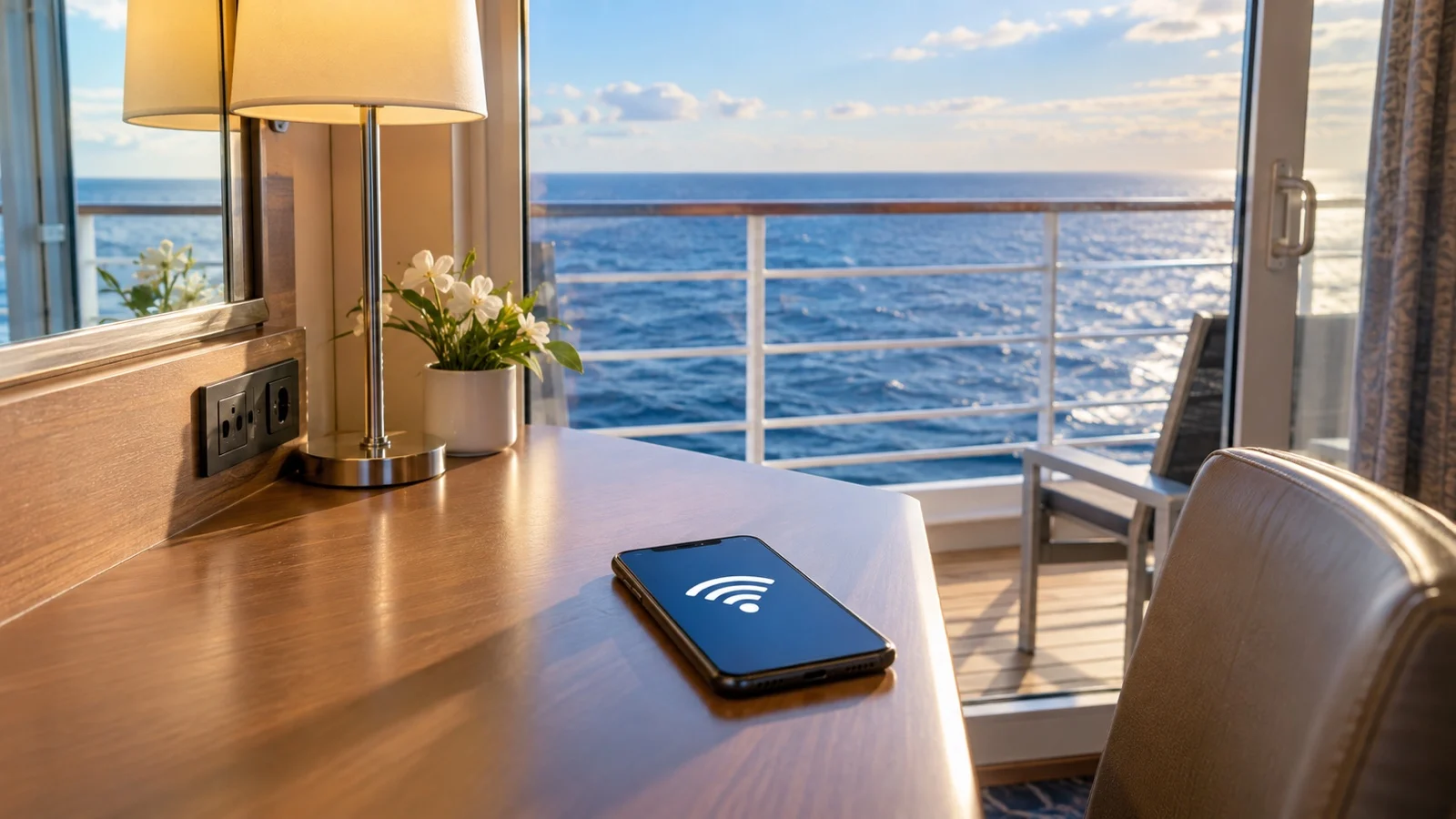
- Do not wait for a “12 nautical miles” rule to protect you. Put the phone in airplane mode before sailing, then turn Wi-Fi back on if you want the ship’s internet.
- A travel eSIM needs an eSIM-capable, carrier-unlocked phone. Compatibility can vary by model, purchase region, carrier, and operating system.
- Most travel eSIMs are for land-based networks, but sea-inclusive plans exist. Check the exact ship, countries, islands, data allowance, validity, and activation trigger before paying.
- Carrier cruise passes are not interchangeable. As one current example, AT&T advertises a $20 cruise day pass on eligible plans and supported ships, with 500 MB of best-speed data per day before reduced speeds.
What happens to your phone after the ship sails
Near land, your phone may still reach a normal shore-based carrier. Farther out, a participating ship can switch on a maritime cellular network, and an enabled phone may connect automatically if your home carrier has a roaming agreement.
Cellular at Sea says its network operates in international waters and switches off as the ship approaches land. The name on your screen may appear as Cellular at Sea, wmsatsea, NOR-18, or 901-18, so do not count on one familiar warning label.
The often-repeated distance of about 12 nautical miles is only a useful rule of thumb, not a phone setting or billing guarantee. Ship route, local waters, onboard equipment, and network availability can all change when service appears.
Know the three ways to connect
1. Maritime cellular
This is cellular roaming through equipment on the ship, not Wi-Fi. Calls, texts, voicemail delivery, app refreshes, photo backups, and background data may create charges under your carrier’s maritime terms.
2. Ship Wi-Fi
This is the cruise line’s internet service, normally sold by device, user, day, or voyage. Speed, streaming support, Wi-Fi calling, VPN access, and the number of devices allowed can vary by ship and package.
3. A travel eSIM

An ordinary travel eSIM gives your phone a second mobile-data plan that usually uses partner networks in covered ports and countries. It normally stops helping once you leave terrestrial coverage unless the product specifically includes a maritime network.
That exception matters now: Cellular at Sea markets a Cruise+ eSIM for eligible ships and destinations with sea and land service. Treat any sea-inclusive product as its own plan and verify the current ship list, route coverage, speed rules, and allowance before buying.
The five-step setup before you cruise
- Check the phone first. Confirm that it supports eSIM and is carrier-unlocked, then update the operating system before travel.
- Read the plan details. Match every country and island on the itinerary, then check data amount, validity, speed or throttling, hotspot use, top-ups, phone number, activation trigger, support, and refund terms.
- Install while you have reliable Wi-Fi. Some plans start when installed, some when activated, and some when they first reach a supported network, so follow that provider’s instructions exactly.
- Set the phone before sail-away. Use airplane mode before leaving port, turn Wi-Fi back on, connect to the official ship network, and test the cruise line’s app.
- Switch deliberately in port. Turn on the travel eSIM, select it for mobile data, disable automatic cellular-data switching, and turn off the home line if you want to eliminate home-line roaming risk.
Before the ship departs again, return to airplane mode and re-enable Wi-Fi. A small routine at every sail-away is much cheaper than discovering that photo sync ran on maritime cellular.
Will your iPhone or Android phone take a travel eSIM?
For iPhone, Apple says international travel eSIM support starts with iPhone XS, XS Max, and XR, with regional exceptions. Apple also says a phone used with another carrier must show “No SIM Restrictions” under Settings, General, About, and Carrier Lock.
Supported iPhones can keep a home line and travel line active together, but leaving both on can still expose the home line to roaming charges. Apple’s current travel eSIM guide explains how to choose the line used for data.
On Android, menus and capability vary more by manufacturer, model, region, and carrier. Google’s Pixel dual-SIM instructions, for example, let compatible users choose separate defaults for data, calls, and texts and turn automatic data switching off.
Do not buy from a generic “all recent phones” list alone. Check the exact model number with the phone maker, carrier, and eSIM provider, especially if the handset was financed or bought in a different country.
How to choose the right eSIM plan for a port-heavy cruise
Start with the itinerary, not the brand name. A regional plan can be convenient, but “Europe” or “Caribbean” on a sales page does not prove that every island, territory, or tender port is included.
Open the provider’s detailed country list and network list, then compare them with every scheduled port. If one important stop is missing, price a separate country plan or use ship Wi-Fi that day.
Estimate data honestly: maps, messaging, email, and ride apps are light, while video calls, cloud photo backup, streaming, and hotspot work can burn through a small plan quickly. Download offline maps, tickets, translations, and entertainment before boarding.
eSIM, carrier cruise pass, or ship Wi-Fi?
Choose an ordinary travel eSIM when you mainly need maps, messages, tickets, and ride apps during port days. It is often the cleanest choice for a port-intensive itinerary, provided every needed destination is covered.
Choose ship Wi-Fi when you need connection during sea days, want to use several internet apps aboard, or must stay reachable between ports. Check whether your package supports streaming, calls, VPNs, and device switching before relying on it for work.
Consider a carrier cruise pass when keeping your regular number and using cellular service at sea matter more than the price. Verify the exact ship, plan eligibility, destinations, daily trigger, data allowance, reduced-speed policy, calls, texts, and taxes on your carrier’s current page.
AT&T’s current International Day Pass page is a good example of why details matter: its cruise option is listed at $20 per day on eligible plans and supported ships, with 500 MB of best-speed data per day before reduced speeds. Prices, ships, inclusions, and terms can change, so recheck shortly before sailing.
Keeping your number, messages, and two-factor codes
Many travel eSIMs are data-only, so they do not provide ordinary calls, SMS, or a new phone number. WhatsApp, Signal, FaceTime, and similar services can use the eSIM’s data, but account setup and verification rules still apply.
If you leave the home line enabled for calls or text codes, its carrier charges may still apply even when the travel eSIM is selected for data. If you turn the home line off, arrange app-based authentication, backup codes, or another verified method before departure.
Wi-Fi calling can help in some setups, but support and billing vary by carrier, phone, country, and ship network. Test it before travel and ask the carrier how calls are rated rather than treating the Wi-Fi symbol as proof that a call is free.
A practical port-day routine
Before walking off the ship, open the cruise app and screenshot the all-aboard time, port-agent number, and berth or tender details. The ship’s time may not match local phone time, so follow the time the ship tells passengers to use.
Once ashore, enable the travel eSIM and wait for it to register on a listed partner network. If data does not work, check the provider’s roaming and APN instructions before changing random settings.
Download the day’s map and save the terminal location before leaving reliable service. This matters in walkable cruise ports too, because the return entrance may not be where the shuttle or tender first dropped you.
Keep the ship or port-agent contact details somewhere that does not require internet access. If a delay threatens the sailing, follow the steps in what to do if you miss the ship instead of relying only on an app message.
Using public Wi-Fi in port
Free terminal, cafe, and city Wi-Fi can be useful, but confirm the network name with staff and disable automatic joining. Prefer encrypted websites, keep device updates current, and postpone sensitive banking or account recovery when you cannot verify the network.
A VPN can protect traffic between your device and the VPN provider, but it does not make a fake hotspot trustworthy or stop every scam. Mobile data on a known carrier partner is often simpler for tickets, maps, and payments.
Families, groups, and remote ports
Agree on one messaging app before the trip and make sure every traveler has signed in while codes and passwords are handy. Cruise-line app messaging, age rules, internet requirements, and fees vary by line and ship, so test the feature aboard before splitting up.
Remote islands, fjords, and scenic river stretches may have weak or no terrestrial coverage even when a country appears on the eSIM list. Carry a charged phone, a permitted power bank, offline directions, and a non-digital copy of essential meeting details.
Quick answers
Will a normal travel eSIM work in the middle of the ocean?
Usually not, because ordinary travel eSIMs depend on land-based partner networks. Buy only a plan that explicitly includes maritime coverage if you expect it to work offshore, and verify that your ship is supported.
Is turning off data roaming enough?
It can reduce cellular-data risk, but it does not necessarily block calls, texts, voicemail activity, or every dual-SIM handoff. Airplane mode before sailing, with Wi-Fi turned back on if needed, is the clearest no-cell default.
Can I keep iMessage or WhatsApp?
These services can work over travel-eSIM data or ship Wi-Fi once already set up. Keep recovery methods handy because reinstalling an app or changing a number can trigger SMS verification.
Should I buy the cruise line’s Wi-Fi before sailing?
Compare the current precruise and onboard offers, cancellation rules, loyalty benefits, and included-package terms. Advance pricing is not guaranteed to be lower on every line or sailing.
What if the eSIM does not connect in port?
Confirm the travel line is on, selected for mobile data, allowed to roam if the provider requires it, and connected to a supported network. Use the provider’s saved setup guide or support channel before deleting the eSIM, because some plans cannot be reinstalled easily.
The bottom line
For most port-focused travelers, the calm setup is an ordinary travel eSIM ashore, airplane mode plus optional ship Wi-Fi at sea, and offline copies of the day’s essentials. If you need your regular number or cellular service offshore, price the carrier or sea-inclusive option against ship Wi-Fi and verify every ship-specific term.
Research note: Connectivity details were checked against current guidance from Cellular at Sea, Apple, Google, AT&T, and cruise-line materials. Providers can change ships, destinations, pricing, allowances, and activation rules, so confirm the exact plan shortly before departure; see our editorial policy.
More on this topic: browse every guide on port logistics and timing.