
Uber at Cruise Ports: How to Check Pickup Rules and Avoid Getting Stranded
Uber or another ride-hailing app can be wonderfully simple at a cruise port, right up until the pickup pin lands outside a restricted gate. The smart question is not merely whether the app operates in the city, but whether it can serve your exact berth at the time you need it.
Check both ends of the trip before leaving the ship. A car available near the pier in the morning does not prove that one will be available at a distant beach, viewpoint, or village for the return.

Quick Facts
- Check the exact location: Confirm your berth, terminal, and permitted app pickup zone.
- Test both directions: Search the outward trip and the return pickup before relying on the app.
- Protect the return: Build in time for a failed match, driver cancellation, traffic, and a backup ride.
- Carry data and power: The app needs a working connection, location services, and enough battery.
- Use the right vehicle: Passenger limits, luggage, mobility devices, and child-seat rules can change the best option.
City availability does not equal terminal access
An app’s city page can confirm that its service operates in a general area. It does not necessarily tell you whether drivers may enter a secure port road, wait beside the gangway, or collect passengers at your terminal.
Ports may direct app pickups to a designated lane, garage, transportation center, or public road beyond the gate. Those arrangements can change with traffic controls, construction, security, and the number of ships in port.
The live app may move the pickup pin to an approved area after you enter the destination. Compare that point with the port or terminal’s current transportation instructions before requesting the ride.
For example, Uber’s official Seattle page confirms service in the city and says actual prices can vary with geography, traffic, and other factors. It is still the port’s current instructions and the app’s live pickup flow that tell you where to meet the driver.
A five-minute check before you sail
- Find the cruise line’s terminal or berth for your date, not just the port name.
- Open the port authority or terminal website and look for taxi, rideshare, app-based transport, or ground transportation instructions.
- Enter the exact terminal in the app and inspect the proposed pickup point without confirming a ride.
- Enter your planned destination, then reverse the route and inspect the return pickup area.
- Check whether the app can send verification texts and charge your payment method in that country.
- Save a taxi number, official rank location, public-transit option, or tour operator as a backup.
Repeat the check shortly before the port call because berth assignments and access rules can change. If the ship tenders, start with the tender landing rather than the ship’s offshore position.
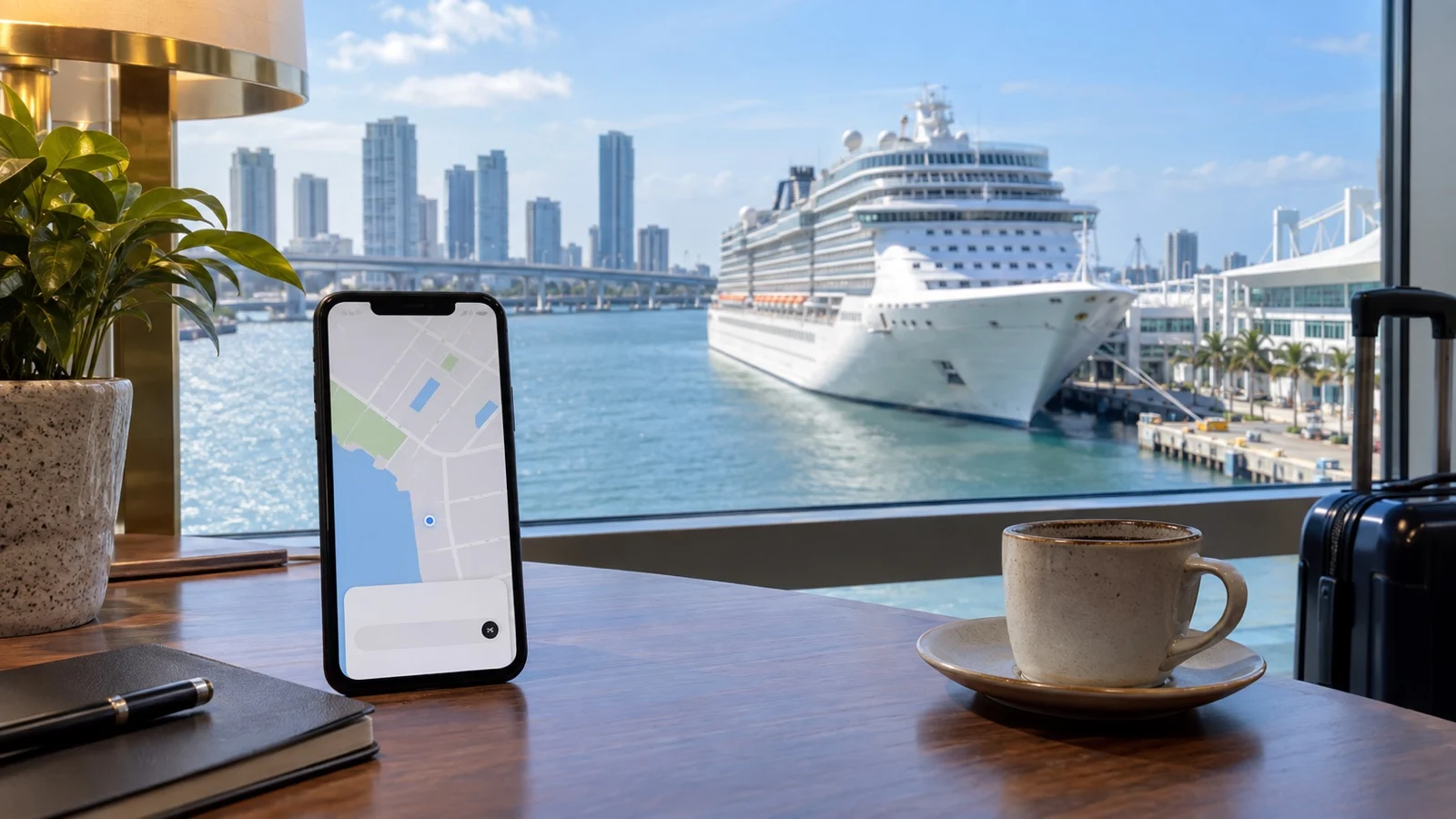
The restricted-gate problem

A driver may accept the request and then message that the pin is inaccessible. Security staff may also direct you to a different exit than the one shown in an older map or travel article.
Follow signs and staff directions, and use the approved passenger pickup point. Do not ask a driver to stop in a traffic lane or enter a prohibited area.
Send a short message with the exact gate, zone, landmark, and your clothing color once the ride is matched. Verify the license plate, vehicle, and driver in the app before getting in.
The return ride deserves more attention

The outward ride often begins where taxis, shuttles, and other passengers are concentrated. The return may begin somewhere with few drivers, weak service, road restrictions, or no obvious address.
Before going farther from the port, open the app at the destination and look at current pickup coverage. A visible price or car icon is an estimate, not a guarantee that a driver will accept later.
Set a personal departure time by working backward from the ship’s announced all-aboard time. Add the expected drive, traffic, time to find a driver, possible cancellation, the walk from the drop-off point, and a meaningful recovery buffer.
If the destination has unreliable transport, use a round-trip taxi, booked driver, organized tour, or ship excursion instead. The guide to how early to return to the ship explains the same backward-planning method in more detail.
Choose the app by verified local coverage
Uber is not the only platform, and the leading app can vary by country or city. Services also enter and leave markets, so a fixed worldwide app list ages quickly.
Start with the port authority, official destination transportation page, or your cruise line’s current port information. Then confirm coverage on the ride company’s own city page or inside its official app.
Install any needed app, create the account, add a payment method, and complete phone verification before sailing. Do not wait until you are standing at the pier with limited signal.
Data, battery, and location access
Ride-hailing depends on mobile data for matching, messages, route changes, and the final receipt. Free terminal Wi-Fi may not reach the pickup lane, and ship Wi-Fi may stop working after you leave the gangway.
Arrange roaming or an eSIM that covers the port country, then test it before relying on the ride. The cruise eSIM guide explains how to check coverage and activation without assuming every plan works everywhere.
Carry a charged phone and a small power bank, with the cruise line’s emergency or port-agent details saved offline. Screenshot the ship’s berth, all-aboard time, pickup zone, and backup taxi information.
Price estimates and surge pricing
A quoted fare is not always fixed, and a scheduled request is not necessarily a guaranteed driver. Read the app’s current terms for the city and ride type before depending on either.
Cruise arrival and departure waves can increase demand near a terminal. Compare the live app price with the official taxi queue, a prebooked car, transit, or a cruise-line transfer rather than assuming one option is always cheaper.
Keep a second workable payment method. The guide to cash and cards in port can help with taxi and small-business backups.

Groups, luggage, children, and accessibility
Match the vehicle to people and belongings, not just the seat count shown beside the cheapest option. Several adults plus cruise luggage may need a larger vehicle or two cars.
If a child seat is required, check local law and the app’s available ride types before the trip. Never assume a driver will carry an appropriate seat or that a local exemption applies to your ride.
Travelers with wheelchairs or mobility devices should verify vehicle accessibility, dimensions, boarding help, and the exact accessible pickup point. If an accessible on-demand vehicle cannot be confirmed, reserve suitable transportation in advance.
A taxi dispatcher or booked operator can sometimes match a specialized vehicle more reliably than an on-demand request. Confirm the cancellation policy and return contact method in writing when possible.
Safety checks that matter
Use the pickup point shown by the app and approved by the port, then compare the plate, vehicle, and driver details before boarding. Share the trip through the app when that feature is available.
Keep control of passports, phones, medication, and valuables. If a driver or vehicle does not match the booking, cancel from a safe public place and use the app’s support or emergency tools as appropriate.
The U.S. Department of State’s cruise guidance recommends normal precautions in port and planning for independent travel risks. Local emergency numbers and laws still apply.
When a taxi, transit, or tour is the better answer
Use the official taxi rank when app pickup is restricted, data is unreliable, or the queue is moving faster than app matches. Ask how the fare is calculated and whether cards are accepted before departure.
Transit can be excellent when the route is direct, frequent, and protected by a generous return buffer. Check service alerts, the last practical return, ticket rules, accessibility, and the stop nearest the correct terminal.
A booked transfer or organized excursion makes sense when the destination is remote or the consequence of a failed return is high. Compare the real pickup guarantee and cancellation terms, not just the headline price.
For the broader tradeoffs, see ship excursion, local tour, or independent day and the guide to walkable cruise ports.
If the app cannot find a driver
- Stay in a safe public place and verify that the pickup pin is on an accessible road.
- Move only to an official pickup zone or staffed transport area.
- Try the port’s taxi rank, saved dispatcher, booked operator, or verified public transit.
- Tell the ship’s port agent or emergency contact if you may miss all-aboard.
- Do not accept an unmarked or unverified ride simply because time is short.
A backup plan is most useful when it is arranged before the first request fails. Save the port-agent details from the ship’s daily information and keep enough time to use them.
Quick answers
How do I know whether ride-hailing works at my cruise port?
Confirm city coverage with the provider, then check the port or terminal’s current pickup rules for your exact berth. Finally, inspect both the outward and return pins in the live app.
Why can I see cars but not get picked up beside the ship?
The secure terminal area may restrict where app drivers can enter or wait. Follow the port’s signs and the app’s approved pickup point.
Can I schedule the return ride in advance?
Possibly, but a scheduled request may not mean a driver is guaranteed. Read the provider’s current local terms and keep a second way back.
Is the port taxi always more expensive?
No. Meter rules, flat fares, traffic, app demand, tolls, and local surcharges all affect the comparison.
Can I rely on an app to get back before all-aboard?
Only if the route has dependable coverage and your plan leaves time for a failed match or cancellation. For remote stops or a tight schedule, arrange a more certain return.
Final word
Ride-hailing is a tool, not a transport guarantee. Verify the exact pickup rules, protect the return trip, and keep a backup that still gets you to the correct terminal with time to spare.
Services and port procedures change, so recheck official information before each sailing. See the Editorial Policy for how CruisePorts.co researches and updates guidance.
More on this topic: browse every guide on port logistics and timing.